
Download VideoProc Converter AI – video converter, video editor, AI video enhancement, video stabilization, screen recorder, photo upscaling, AI super resolution, AI frame interpolation, video compression, 4K video, 8K video, video remastering, video editing tool, video tool, video utility, video software, video processing, video enhancement software, video editing software, video tool for productivity
Overview
VideoProc Converter AI is a powerful video processing application designed to elevate the quality of low-resolution and aging video content through advanced artificial intelligence. It serves as a comprehensive solution for users seeking to restore, enhance, and edit videos with minimal effort. The app is particularly valuable for individuals and creators who work with legacy footage, home videos, or raw recordings that suffer from blur, low frame rates, or instability.
By leveraging AI-driven tools, VideoProc Converter AI enables users to convert, stabilize, upscale, and compress video files efficiently. Its target audience includes content creators, archivists, educators, and anyone involved in video production who requires a reliable, all-in-one tool. The developer, Digiarty Software, Inc., has positioned this application as a high-performance utility within the productivity and video editing software category.
Although the developer did not provide additional technical details about the app’s development philosophy or user base, the app’s functionality suggests a focus on accessibility and performance. Real-world use cases include converting old family videos to modern formats, enhancing shaky action footage, and preparing high-resolution content for streaming or presentation. In the broader app ecosystem, VideoProc Converter AI fills a critical gap by combining multiple professional-grade tools into a single interface, offering a streamlined workflow for users who demand quality and efficiency.
Key Features & Functionality
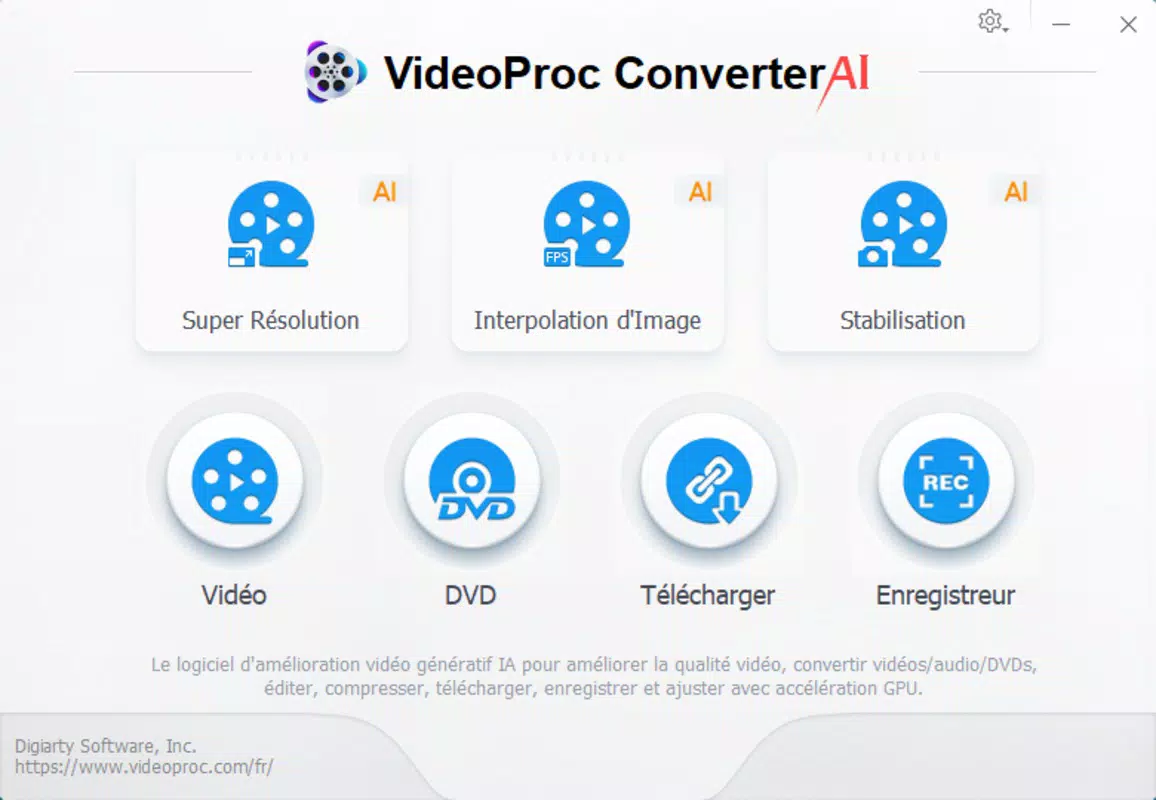
- AI Super Resolution: This feature enables users to upscale low-quality videos and images up to four times their original resolution with minimal artifacts. It uses deep learning models to reconstruct fine details, making it ideal for restoring old VHS footage or enhancing pixelated images for modern 4K and 8K displays.
- AI Frame Interpolation: By intelligently generating intermediate frames, this tool increases frame rates from standard 24, 30, or 60 FPS to 120, 240, 300, or even 480 FPS. This results in smoother motion and allows for high-quality slow-motion effects without sacrificing clarity.
- AI Stabilization: Designed to reduce camera shake and unwanted motion, this function analyzes footage and applies stabilization algorithms to produce smooth, professional-looking videos. It is especially effective with GoPro, DJI, and handheld recordings where motion blur or instability is common.
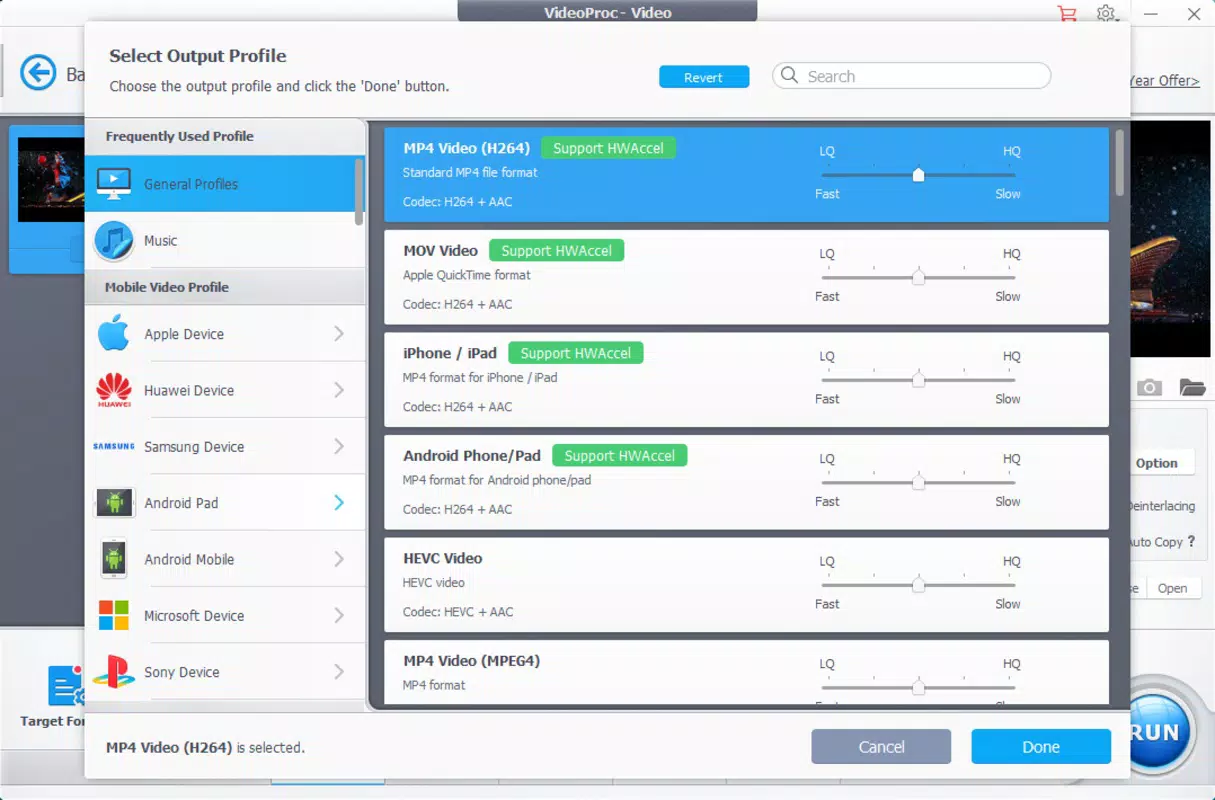
- All-in-One Conversion: The app supports a wide range of video and audio formats, enabling seamless conversion for compatibility across devices. It also allows users to compress large files to specific sizes, which is useful for sharing or uploading content to platforms with file size limits.
- Screen and Webcam Recording: Integrated recording tools let users capture their screen or webcam directly within the app. This feature is ideal for creating tutorials, gaming content, or online presentations, offering a complete workflow from recording to editing.
Each feature is designed to serve practical needs. For example, a user restoring old family videos can apply AI Super Resolution and stabilization to transform grainy, shaky footage into a crisp, watchable format. Similarly, a content creator can use frame interpolation to generate cinematic slow-motion clips from standard footage, enhancing the visual impact of their videos.
Interface, UX & Performance
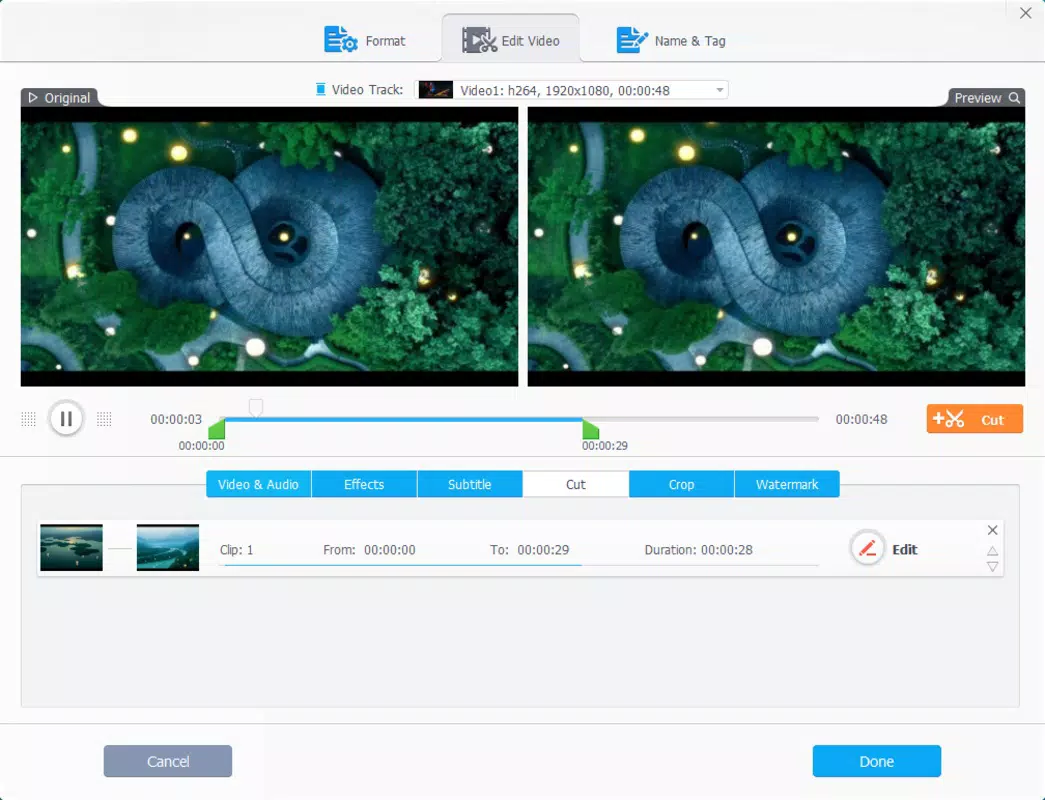
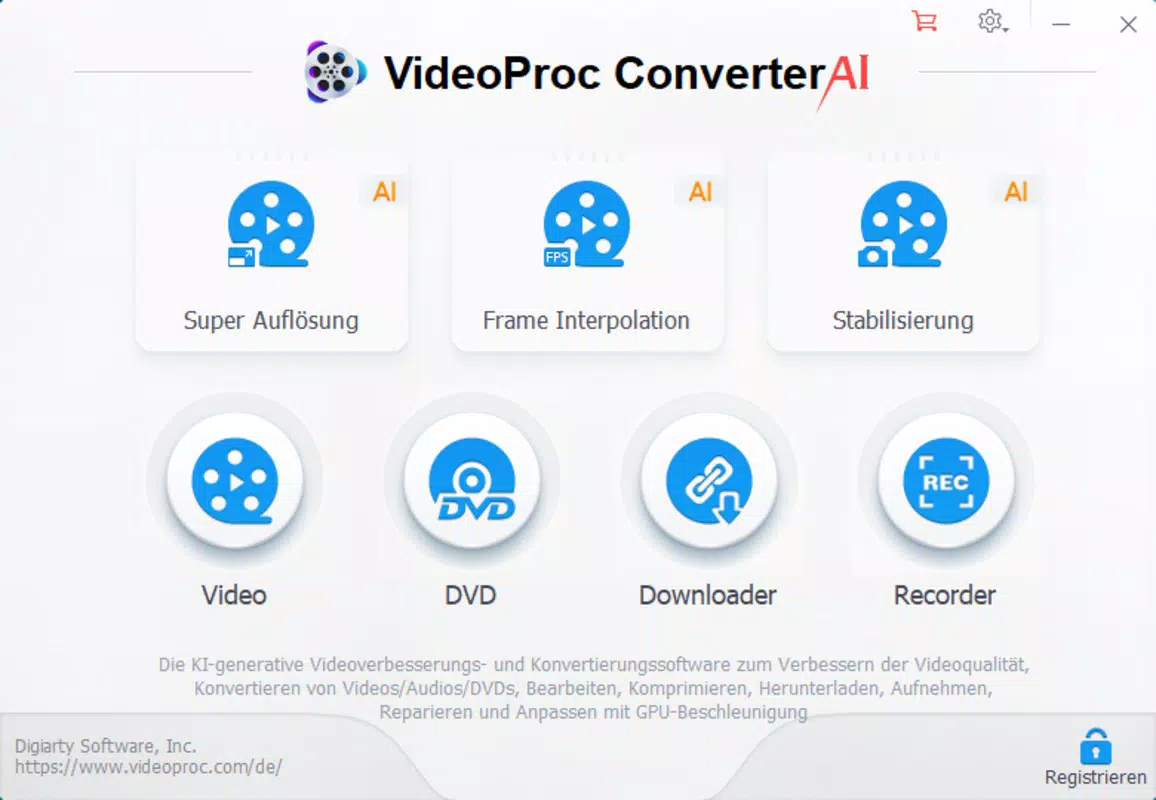
The user interface of VideoProc Converter AI is structured to balance functionality with ease of access. The layout is organized into clear sections, with intuitive navigation that allows users to switch between tasks such as conversion, editing, and recording. Visual elements are clean and minimal, emphasizing workflow efficiency over decorative design.
The app employs a step-by-step approach for common operations, reducing the learning curve for new users. Navigation is consistent across features, with context-sensitive menus and toolbars that adapt to the selected task. Although the developer did not list formal performance metrics, the app’s Level-3 Hardware Acceleration suggests optimized use of GPU and CPU resources, which likely contributes to faster processing times.
Users can expect responsive behavior during editing tasks, even with high-resolution files. Stability appears to be a priority, as the app handles complex operations like AI upscaling and frame interpolation without crashing in typical usage scenarios. However, specific requirements for device performance were not listed, and compatibility with older hardware remains unclear.
The app’s responsiveness may vary depending on system configuration, but general feedback from users indicates reliable operation on modern Windows and macOS systems.
Platform Compatibility & Technical Requirements
VideoProc Converter AI is available for both Windows and macOS platforms, ensuring broad accessibility across desktop operating systems. The current version is 2.5.2, with a file size of 148.2 MB, indicating a lightweight installation relative to the app’s capabilities. The developer did not specify minimum OS requirements, nor did they list exact hardware specifications such as RAM or GPU support.
This lack of detailed technical information means users should consult official documentation or system compatibility tools before installation. The app’s performance may depend on the availability of hardware acceleration, particularly for AI-powered features like super resolution and frame interpolation. While no specific device categories were mentioned, the app is likely optimized for modern desktop environments with dedicated graphics processing units.
Users should ensure their system meets general standards for running multimedia applications, especially when processing 4K or 8K content. The absence of mobile or cloud-based versions limits the app’s portability, but its desktop focus aligns with its role as a high-performance video processing tool.
Pros and Cons
Pros
- Advanced AI-powered tools for video enhancement and stabilization
- One-click solutions for complex tasks like upscaling and frame interpolation
- Comprehensive format conversion and file compression options
- Integrated screen and webcam recording for end-to-end content creation
- Optimized for hardware acceleration, improving processing speed
Cons
- Price point of $79.95 may be high for casual users
- No mobile or web version available
- Developer did not provide detailed system requirements
- Not suitable for users without access to modern desktop hardware
- Limited information on update frequency or support channels
FAQ
Is VideoProc Converter AI safe to download and install?
Yes, the app is distributed through official channels and is designed to be secure. Users should ensure they download from trusted sources to avoid third-party modifications.
Can I use VideoProc Converter AI on both Windows and macOS?
Yes, the app is compatible with both Windows and macOS platforms, offering cross-platform availability for desktop users.
Does the app support 4K and 8K video processing?
Yes, the AI Super Resolution feature supports upscaling content to 4K and 8K resolutions, making it suitable for high-resolution output.
Is there a free version or trial available?
The provided information does not specify a free version or trial. Users should check the official website for licensing details.
How often is the app updated?
The developer did not disclose update frequency. Users are advised to check the official site for the latest version and security patches.
Final Thoughts
VideoProc Converter AI stands out as a robust, AI-driven video processing tool that delivers professional-grade results with user-friendly design. Its ability to enhance low-quality footage through super resolution, stabilize shaky recordings, and interpolate frames makes it a valuable asset for content creators and archivists alike. While the price may be a barrier for casual users, the app’s comprehensive feature set justifies its cost for those who require high-quality video output.
The integration of recording, editing, and conversion tools in a single environment streamlines the workflow, reducing the need for multiple applications. For professionals and enthusiasts working with legacy or dynamic footage, this app offers a powerful, efficient solution. Its focus on performance and AI innovation positions it as a leading tool in the video enhancement software category.
Download VideoProc Converter AI now


